







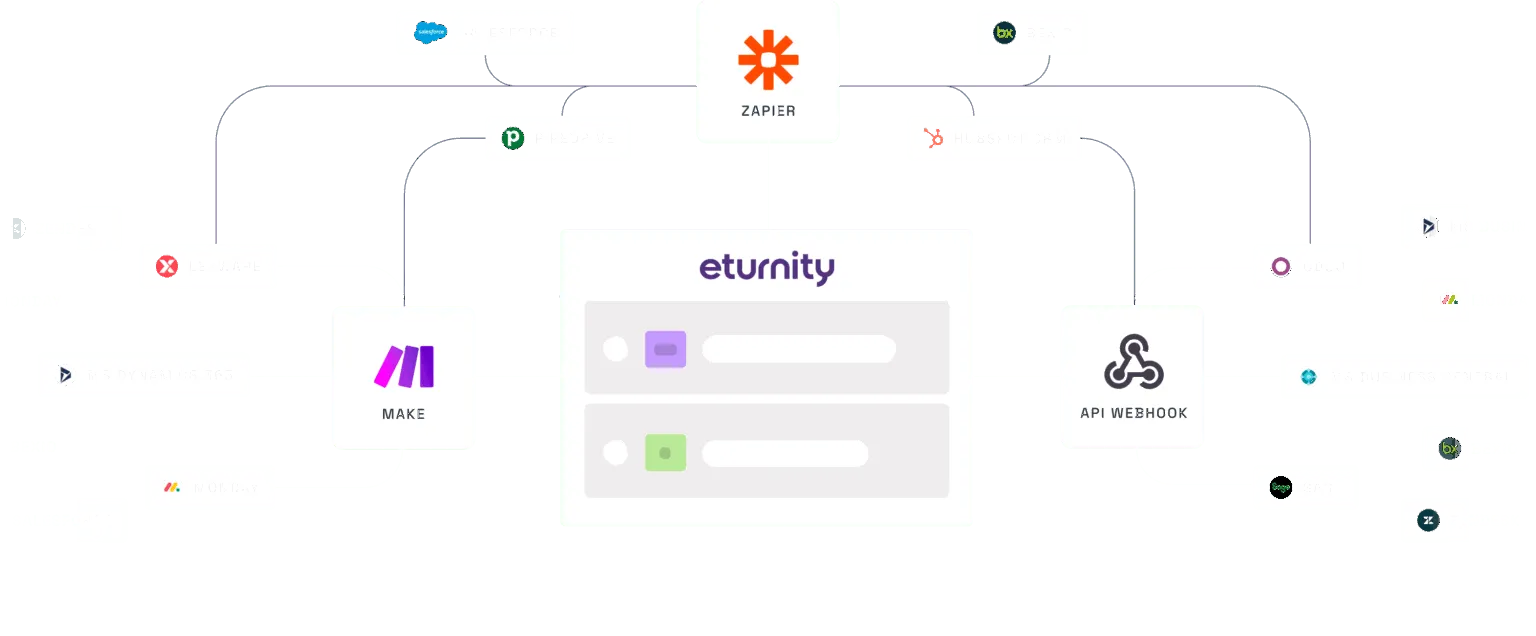







Partner integration: Eturnity × K2 Systems
Lay out the mounting system,
without leaving your design.
Design the PV system in Eturnity Expert, lay out the substructure in K2 Base and bring the bill of materials back into the project, K2 report included.
Test it for free- Eturnity Expert Roof and module layout
- K2 Base Lay out the mounting system
- Back in Eturnity Bill of materials + K2 Base report

;%20}%20.cls-2%20{%20fill:%20url(%23linear-gradient-4);%20}%20.cls-3%20{%20fill:%20url(%23linear-gradient-3);%20}%20.cls-4%20{%20fill:%20url(%23linear-gradient-2);%20}%20.cls-5%20{%20fill:%20url(%23linear-gradient);%20}%20%3c/style%3e%3clinearGradient%20id='linear-gradient'%20x1='9328.62'%20y1='-4575.31'%20x2='9563.72'%20y2='-4575.31'%20gradientTransform='translate(292.42%2010820.79)%20rotate(-64.53)'%20gradientUnits='userSpaceOnUse'%3e%3cstop%20offset='0'%20stop-color='%236f20dc'/%3e%3cstop%20offset='1'%20stop-color='%23e6dcd2'/%3e%3c/linearGradient%3e%3clinearGradient%20id='linear-gradient-2'%20x1='8022.1'%20y1='-4828.63'%20x2='8257.18'%20y2='-4828.63'%20gradientTransform='translate(-260.64%209747.93)%20rotate(-56.35)'%20xlink:href='%23linear-gradient'/%3e%3clinearGradient%20id='linear-gradient-3'%20x1='5660.35'%20y1='-5217.37'%20x2='5895.75'%20y2='-5217.37'%20gradientTransform='translate(-290.52%208021.94)%20rotate(-43.97)'%20xlink:href='%23linear-gradient'/%3e%3clinearGradient%20id='linear-gradient-4'%20x1='3210.33'%20y1='-4682.16'%20x2='3445.73'%20y2='-4682.16'%20gradientTransform='translate(-378.79%205918.37)%20rotate(-28.85)'%20xlink:href='%23linear-gradient'/%3e%3clinearGradient%20id='linear-gradient-5'%20x1='374.7'%20y1='-3259.06'%20x2='611.07'%20y2='-3259.06'%20gradientTransform='translate(413.89%203465.44)%20rotate(-10.06)'%20xlink:href='%23linear-gradient'/%3e%3c/defs%3e%3cg%20id='Layer_1-2'%20data-name='Layer%201'%3e%3cg%3e%3cg%20id='_Radial_Repeat_'%20data-name='<Radial%20Repeat>'%3e%3cpath%20class='cls-5'%20d='M177.18,172.55l249.61,177.08H3.01c-2.68,0-4.01-3.24-2.11-5.13l173.08-171.68c.86-.86,2.22-.97,3.21-.26Z'/%3e%3c/g%3e%3cg%20id='_Radial_Repeat_-2'%20data-name='<Radial%20Repeat>'%3e%3cpath%20class='cls-4'%20d='M204.9,138.85l221.89,210.78L7.32,289.32c-2.65-.38-3.51-3.78-1.36-5.38l195.73-145.29c.98-.72,2.33-.64,3.21.19Z'/%3e%3c/g%3e%3cg%20id='_Radial_Repeat_-3'%20data-name='<Radial%20Repeat>'%3e%3cpath%20class='cls-3'%20d='M254.09,94.43l172.7,255.2L30.01,200.77c-2.51-.94-2.62-4.45-.18-5.55l224.26-100.79Z'/%3e%3c/g%3e%3cg%20id='_Radial_Repeat_-4'%20data-name='<Radial%20Repeat>'%3e%3cpath%20class='cls-2'%20d='M326.61,58.22l100.18,291.4L82.56,102.45c-2.18-1.56-1.37-4.98,1.28-5.4l242.78-38.83Z'/%3e%3c/g%3e%3cg%20id='_Radial_Repeat_-5'%20data-name='<Radial%20Repeat>'%3e%3cpath%20class='cls-1'%20d='M426.79,41.49v308.14L180.51,4.75c-1.56-2.18.31-5.15,2.95-4.7l243.34,41.44Z'/%3e%3c/g%3e%3c/g%3e%3c/g%3e%3c/svg%3e)
Process
From layout to bill of materials in four steps
-
Design in Eturnity
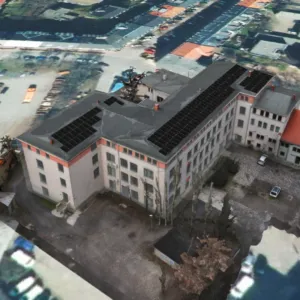
Create the roof and module layout in Eturnity Expert as usual.
-
Send to K2 Base
A few clicks, and K2 Base automatically creates a new project from it.
-
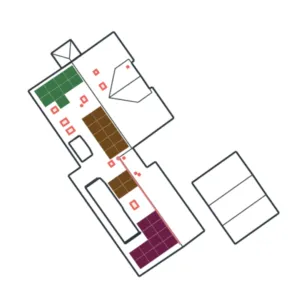
Lay out the substructure
Plan and size the right mounting system in K2 Base.
-
Import the bill of materials
Back into Eturnity, ready for quoting and purchasing.
What you get
-
Automatic
Report included
The K2 Base report with design data and bill of materials goes straight into your project documentation.
-
Connect once, use always
Link your accounts once, then switch between both platforms in one click.
-
One bill of materials for everyone
Costing, procurement and project management all work from the same components.
About K2 Systems
Mounting systems that hold up worldwide
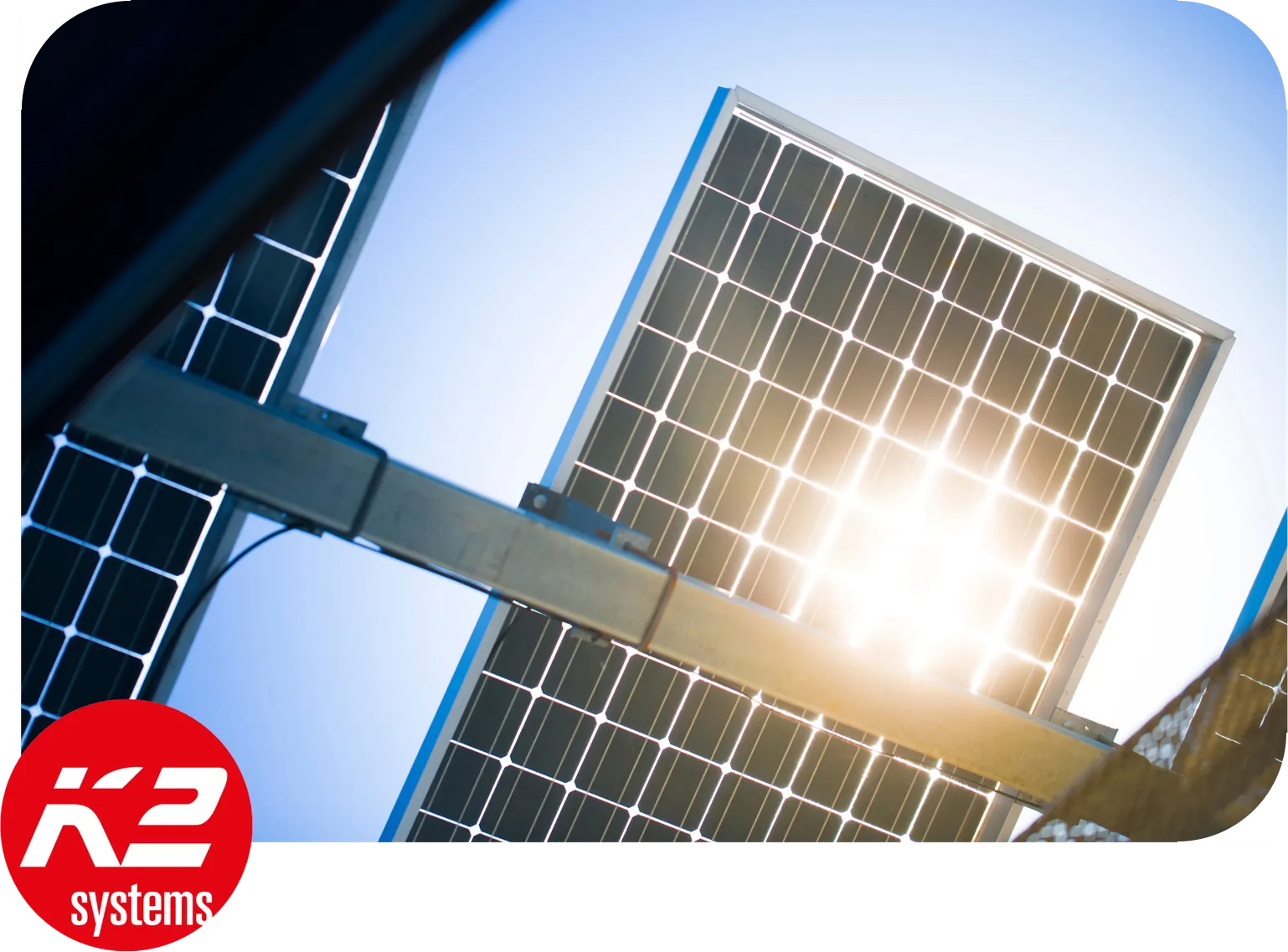
K2 Systems is one of the leading suppliers of PV mounting systems, from family homes to commercial roofs.
K2 Base fait aussi partie des flux de travail avec Tepto et Krannich.
FAQ
;%20}%20.cls-3%20{%20fill:%20url(%23linear-gradient-3);%20}%20.cls-4%20{%20fill:%20url(%23linear-gradient-2);%20}%20.cls-5%20{%20fill:%20url(%23linear-gradient);%20}%20.cls-6%20{%20clip-path:%20url(%23clippath);%20}%20%3c/style%3e%3cclipPath%20id='clippath'%3e%3crect%20class='cls-1'%20width='464.66'%20height='415.58'/%3e%3c/clipPath%3e%3clinearGradient%20id='linear-gradient'%20x1='-6413'%20y1='-3225.47'%20x2='-6246.92'%20y2='-3225.47'%20gradientTransform='translate(5807.8%20-3916.26)%20rotate(-64.38)'%20gradientUnits='userSpaceOnUse'%3e%3cstop%20offset='0'%20stop-color='%236f20dc'/%3e%3cstop%20offset='1'%20stop-color='%23e6dcd2'/%3e%3c/linearGradient%3e%3clinearGradient%20id='linear-gradient-2'%20x1='-5576.49'%20y1='-683.71'%20x2='-5411.14'%20y2='-683.71'%20gradientTransform='translate(5707.93%20-333.2)%20rotate(-12.95)'%20xlink:href='%23linear-gradient'/%3e%3clinearGradient%20id='linear-gradient-3'%20x1='-3068.01'%20y1='247.72'%20x2='-2902.66'%20y2='247.72'%20gradientTransform='translate(2844.32%201822.72)%20rotate(38.48)'%20xlink:href='%23linear-gradient'/%3e%3clinearGradient%20id='linear-gradient-4'%20x1='-775.78'%20y1='-1132.75'%20x2='-610.42'%20y2='-1132.75'%20gradientTransform='translate(-626.67%20928.05)%20rotate(89.9)'%20xlink:href='%23linear-gradient'/%3e%3c/defs%3e%3cg%20id='Layer_1-2'%20data-name='Layer%201'%3e%3cg%20class='cls-6'%3e%3cg%3e%3cg%20id='_Radial_Repeat_'%20data-name='<Radial%20Repeat>'%3e%3cpath%20class='cls-5'%20d='M132.96,290.62l167.83,119.71c2.38,1.7,1.18,5.44-1.74,5.44H10.66c-2.68,0-4.01-3.24-2.11-5.13l120.55-119.71c1.04-1.03,2.67-1.16,3.86-.31Z'/%3e%3c/g%3e%3cg%20id='_Radial_Repeat_-2'%20data-name='<Radial%20Repeat>'%3e%3cpath%20class='cls-4'%20d='M264.96,142.88l11.05,205.81c.16,2.92-3.53,4.32-5.35,2.03L91.49,124.82c-1.66-2.1.05-5.16,2.71-4.84l168.13,20.09c1.45.17,2.56,1.36,2.64,2.82Z'/%3e%3c/g%3e%3cg%20id='_Radial_Repeat_-3'%20data-name='<Radial%20Repeat>'%3e%3cpath%20class='cls-3'%20d='M462.77,153.99l-154.02,136.96c-2.18,1.94-5.57-.07-4.92-2.92L368.74,7.1c.6-2.61,4.06-3.18,5.47-.9l89.12,143.97c.77,1.24.53,2.85-.56,3.82Z'/%3e%3c/g%3e%3cg%20id='_Radial_Repeat_-4'%20data-name='<Radial%20Repeat>'%3e%3cpath%20class='cls-2'%20d='M577.42,315.57l-203.11-35.03c-2.88-.5-3.42-4.4-.78-5.66l260.11-124.41c2.42-1.16,5.02,1.19,4.12,3.72l-57,159.44c-.49,1.37-1.9,2.19-3.33,1.95Z'/%3e%3c/g%3e%3c/g%3e%3c/g%3e%3c/g%3e%3c/svg%3e)