









Technical Roof Plans
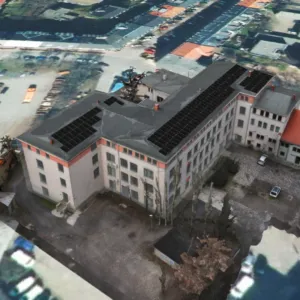
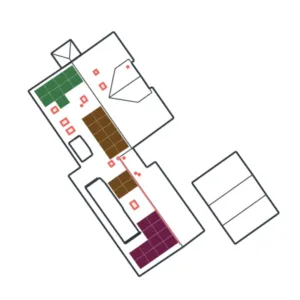
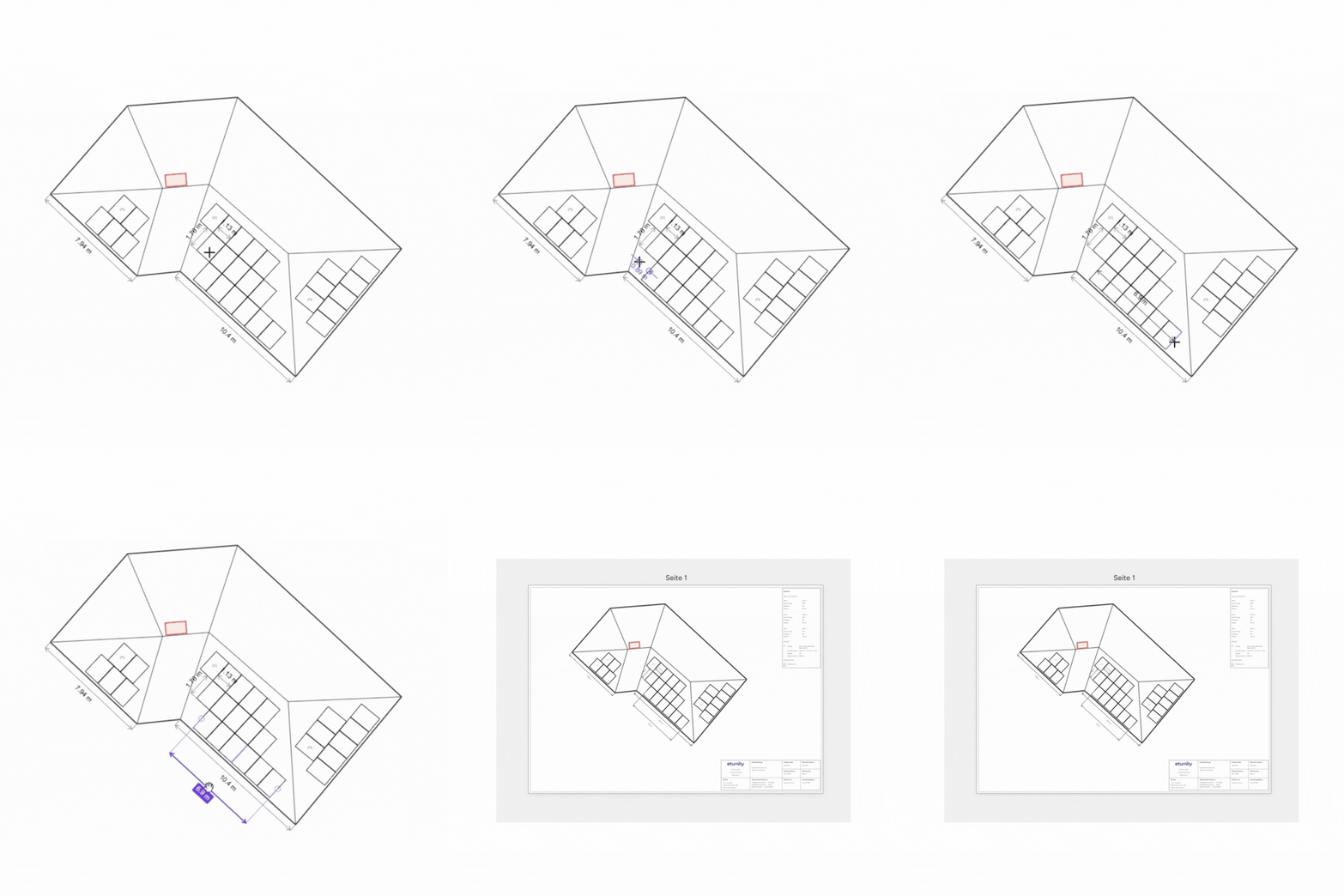
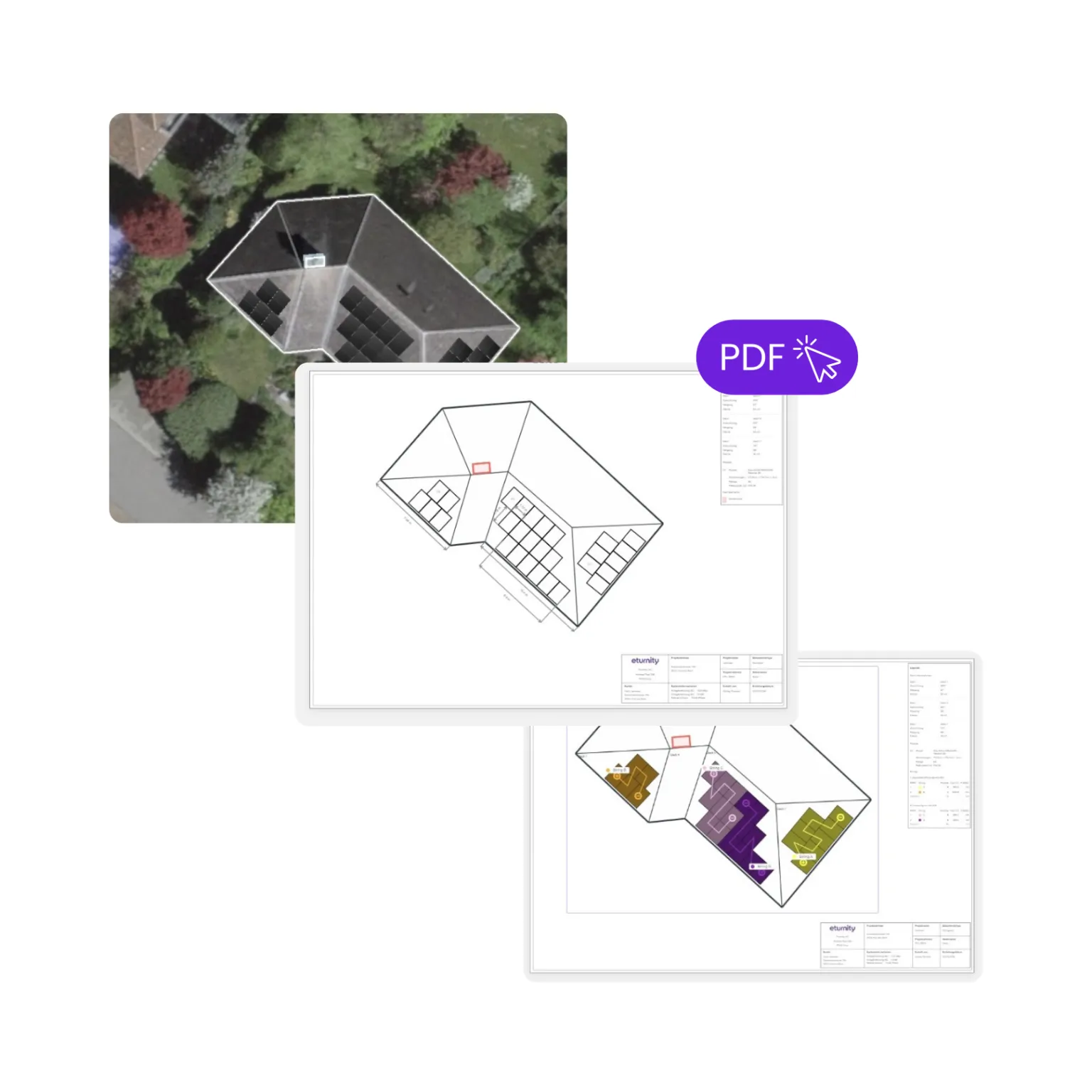
Create roof and string plans directly from your PV project design. All without leaving the Expert.
Permitting-ready documents. Meet authority requirements with legends, labels, colour coding and annotations.
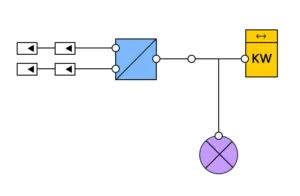
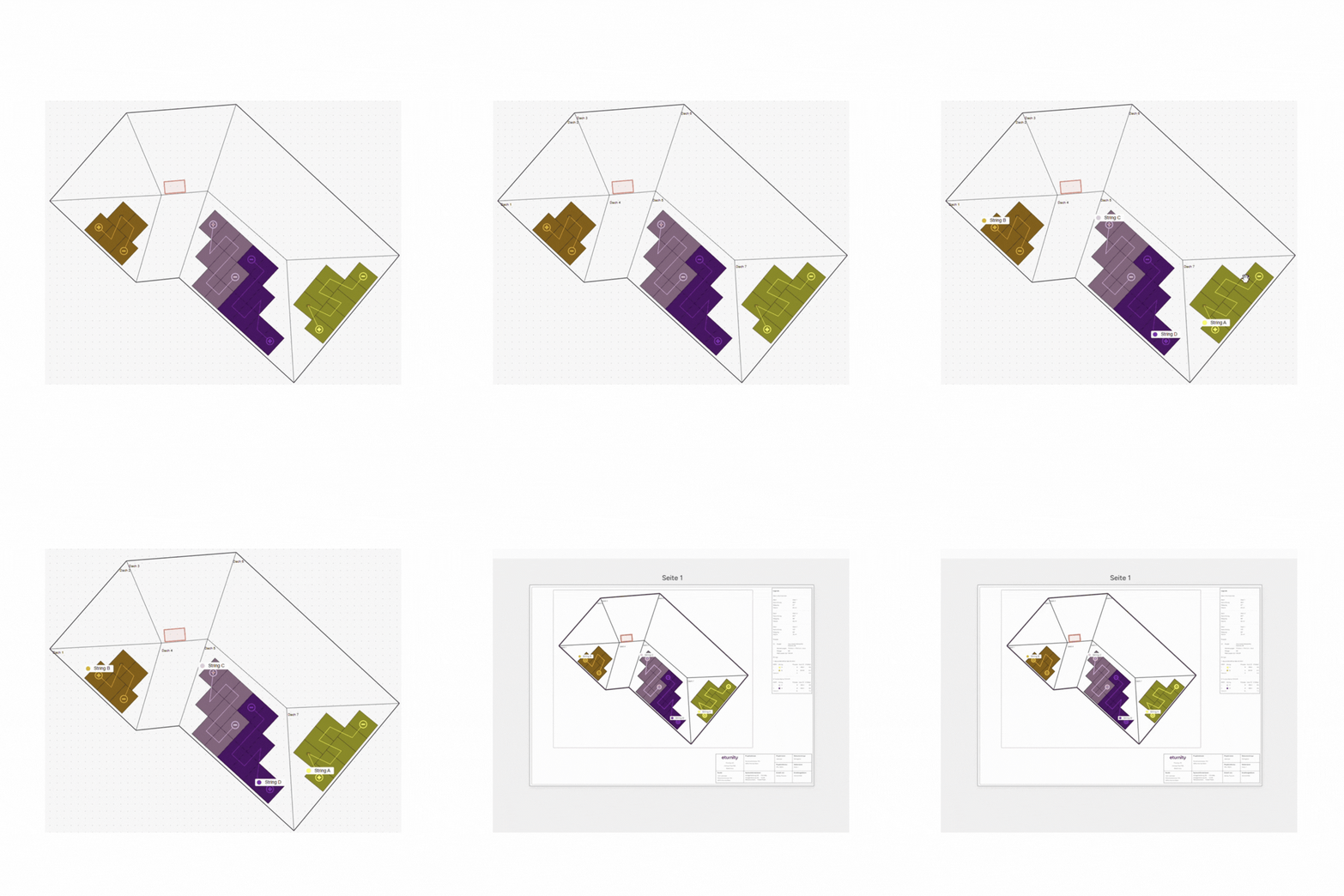
Installation packages. Clear roof and string plans for your construction team, including strings, voltages and notes.
No CAD redraws. One workflow with one-click updates when layouts change. Cut external tool costs.
Introducing technical plans for energy installers
This new PV planning feature is a built-in tool that generates technical roof plans and string plans from your existing PV design. No exporting. No re-entering data. No manual redrawing. It uses your project data inside the Expert to create standardised documents ready to hand to the authorities and PV system installers.
Benefits
'%3e%3cpath%20d='M15%201.875V5.625'%20stroke='white'%20stroke-width='2'%20stroke-miterlimit='10'/%3e%3cpath%20d='M28.125%2015H24.375'%20stroke='white'%20stroke-width='2'%20stroke-miterlimit='10'/%3e%3cpath%20d='M15%2028.125V24.375'%20stroke='white'%20stroke-width='2'%20stroke-miterlimit='10'/%3e%3cpath%20d='M1.875%2015H5.625'%20stroke='white'%20stroke-width='2'%20stroke-miterlimit='10'/%3e%3cpath%20d='M15%2028.125C22.2487%2028.125%2028.125%2022.2487%2028.125%2015C28.125%207.75126%2022.2487%201.875%2015%201.875C7.75126%201.875%201.875%207.75126%201.875%2015C1.875%2022.2487%207.75126%2028.125%2015%2028.125Z'%20stroke='white'%20stroke-width='2'%20stroke-miterlimit='10'%20stroke-linecap='square'/%3e%3cpath%20d='M9.375%207.5L15%2015H20.625'%20stroke='white'%20stroke-width='2'%20stroke-miterlimit='10'%20stroke-linecap='square'/%3e%3c/g%3e%3cdefs%3e%3cclipPath%20id='clip0_467_18570'%3e%3crect%20width='30'%20height='30'%20fill='white'/%3e%3c/clipPath%3e%3c/defs%3e%3c/svg%3e)
Save time on every project
Avoid manual CAD redrawing and repetitive formatting.

Reduce errors with accurate project data
Plans stay aligned with your roof layout and string design.

Fast updates when layouts change
Outdated-data warnings and one-click refresh keeps documents current.
'%3e%3cpath%20d='M28.5894%208.36714H21.6378V1.40624C21.6378%200.759375%2021.1128%200.234375%2020.4659%200.234375H1.41112C0.764258%200.234375%200.239258%200.759375%200.239258%201.40624V20.461C0.239258%2021.1079%200.764258%2021.6329%201.41112%2021.6329H8.36272V28.5938C8.36272%2029.2407%208.88772%2029.7657%209.53458%2029.7657H28.5894C29.2362%2029.7657%2029.7612%2029.2407%2029.7612%2028.5938V9.539C29.7612%208.89214%2029.2362%208.36714%2028.5894%208.36714ZM2.58298%2019.2889V2.57804H19.2939V8.36714H9.53458C8.88772%208.36714%208.36272%208.89214%208.36272%209.539V19.289L2.58298%2019.2889ZM19.2939%2010.7107V19.2889H10.7064V10.7107H19.2939ZM27.4173%2027.4216H10.7064V21.6325H20.4657C21.1125%2021.6325%2021.6375%2021.1075%2021.6375%2020.4607V10.7107H27.4173L27.4173%2027.4216Z'%20fill='white'/%3e%3c/g%3e%3cdefs%3e%3cclipPath%20id='clip0_1377_59358'%3e%3crect%20width='30'%20height='30'%20fill='white'/%3e%3c/clipPath%3e%3c/defs%3e%3c/svg%3e)
Standardised roof and string layouts
Consistent legends, labels, and title blocks across all documentation.

Lower external CAD costs
Create plans inside Expert and reduce external CAD licenses.

Submit documentation with confidence
Accurate, clear plans for authorities and your construction team reduce questions and site issues.
Reviews
What early users think
Based on beta version testing.
Built for anyone preparing PV installation or permitting documents. Works for single‑person teams and multi‑role organisations.
Want to test it?
Generate execution‑ready technical documentation directly from your existing design workflow.